
Integrations, Shopify
Shopify orders, packed and shipped by PrepVia
The PrepVia app on the Shopify App Store connects your store to PrepVia. The orders with the products you link come into the PrepVia app, and the team packs and ships them to your customers from the Miami warehouse. Your Amazon FBA inventory is prepped in the same warehouse.
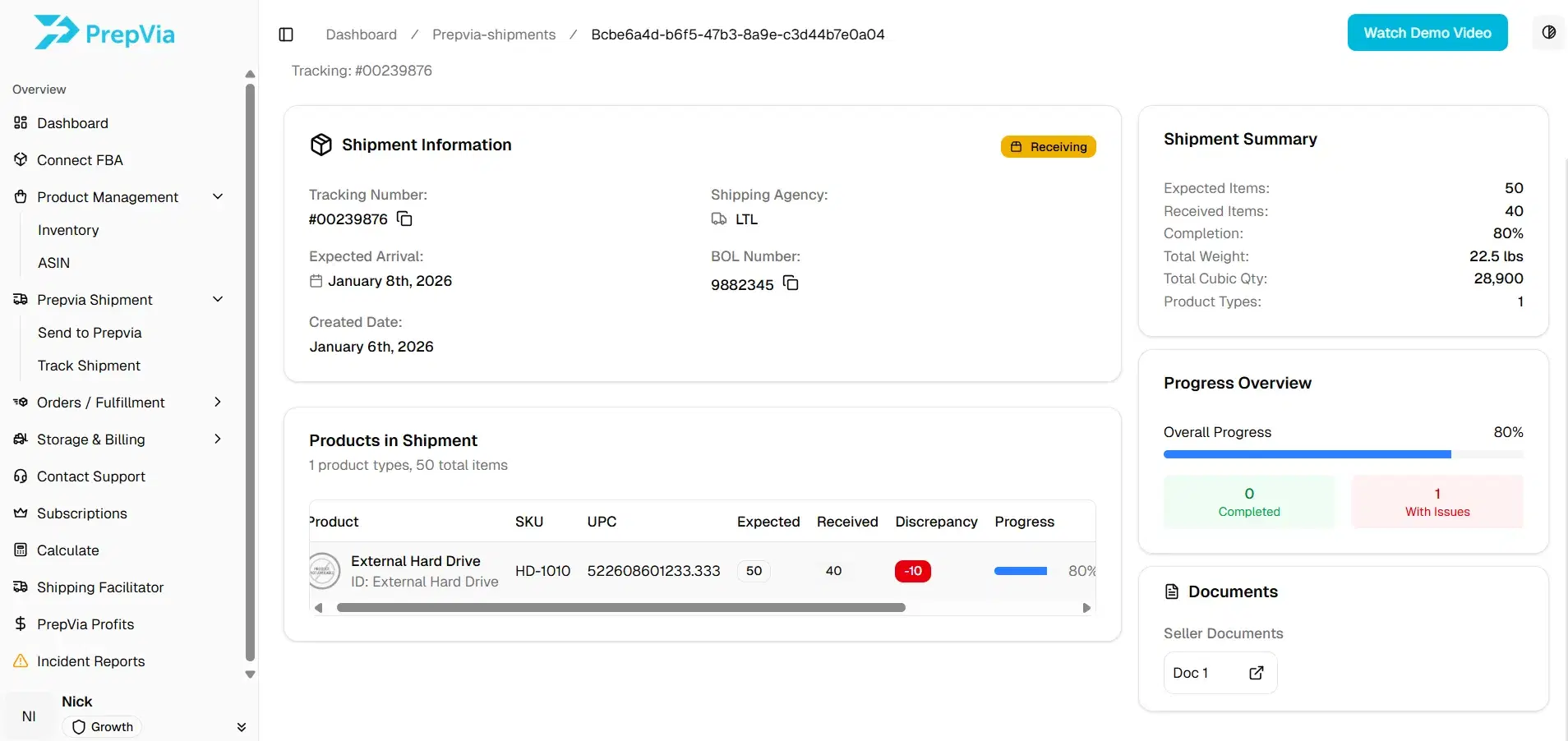
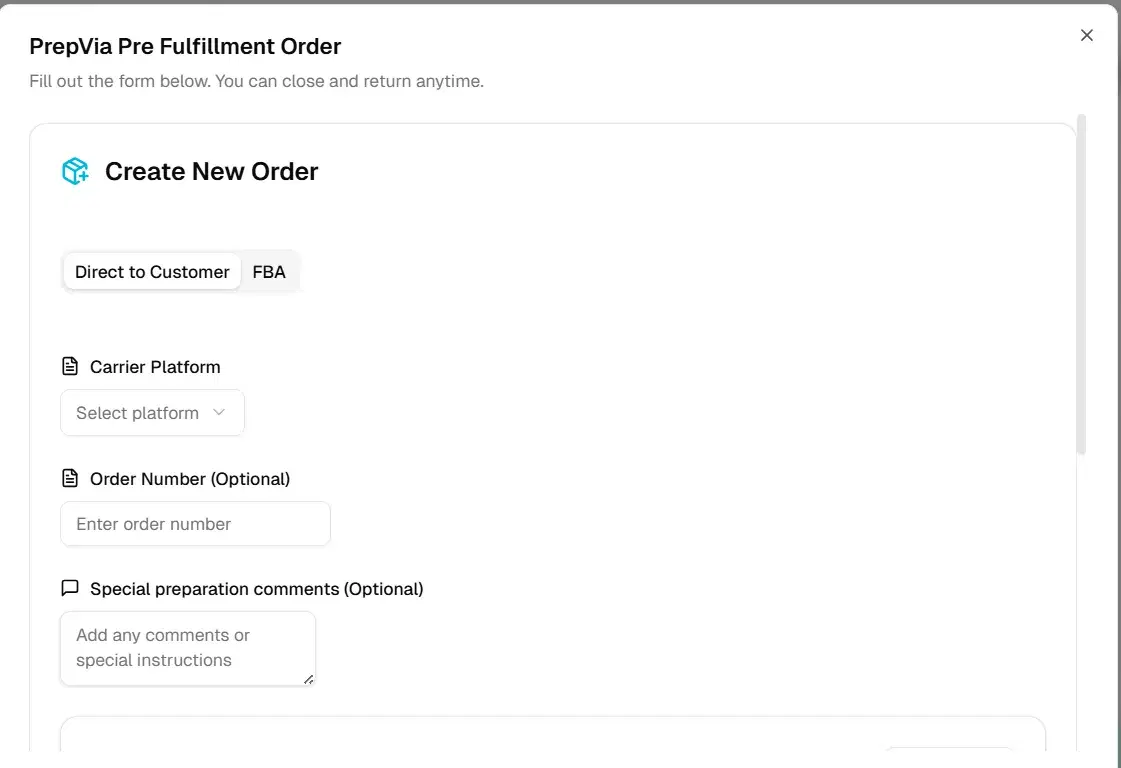
How the Shopify integration works
Step 1
Connect your store
Install the PrepVia app from the Shopify App Store while you are logged in to PrepVia, or type your store's address in the PrepVia app, and approve the connection.
Step 2
Link your products
In the PrepVia app, link each Shopify product to its PrepVia item. Orders come in for the products you link.
Step 3
Send your inventory
Ship your stock to the PrepVia warehouse in Miami and register each inbound in the PrepVia app with its tracking number.
Step 4
PrepVia ships the orders
Every 15 minutes the PrepVia app brings in the orders with your linked products, and the team packs and ships each one as a parcel to your customer.
The app at a glance
- Listing
- The PrepVia app on the Shopify App Store, by PrepVia LLC, listed since December 26, 2025
- Price on the listing
- Free
- Category
- Workflow automation: order fulfillment and order processing
- What it does
- Brings the Shopify orders that contain your linked products into the PrepVia app every 15 minutes, and shows your Shopify inventory in the same place as your PrepVia inventory
Selling on Amazon and Shopify from one inventory? See FBA prep for ecommerce brands and the full list of PrepVia integrations.
Questions about the Shopify integration
Is the PrepVia app for Shopify free?
Does PrepVia ship my Shopify orders to my customers?
Can the same inventory feed Amazon FBA and Shopify?
How do I connect my store?
Sources
- Shopify App Store: the PrepVia app listing, read October 26, 2026
Send your monthly Shopify orders and Amazon units. We will quote your account.
Pricing is quoted per account on a free 15-minute call.