The PrepVia app, on the App Store
The PrepVia app for iPhone and iPad
PrepVia is on the App Store. Sign in with your PrepVia account and you have the same app you use on the web: send inventory to the warehouse in Miami, follow each shipment until it is received, and check your stock at PrepVia and at Amazon, product by product.
You need a PrepVia account to sign in. New to PrepVia? Book a 15-minute call.
PrepVia
PrepVia LLC
Business app on the App Store
- Works on
- iPhone and iPad
- Requires
- iOS 15 or later
- On the App Store
- Since Nov 6, 2026
What you can do in the app
The app on your iPhone or iPad opens the same PrepVia app as the web, with the same account and the same data. These are the screens you use most on the phone.
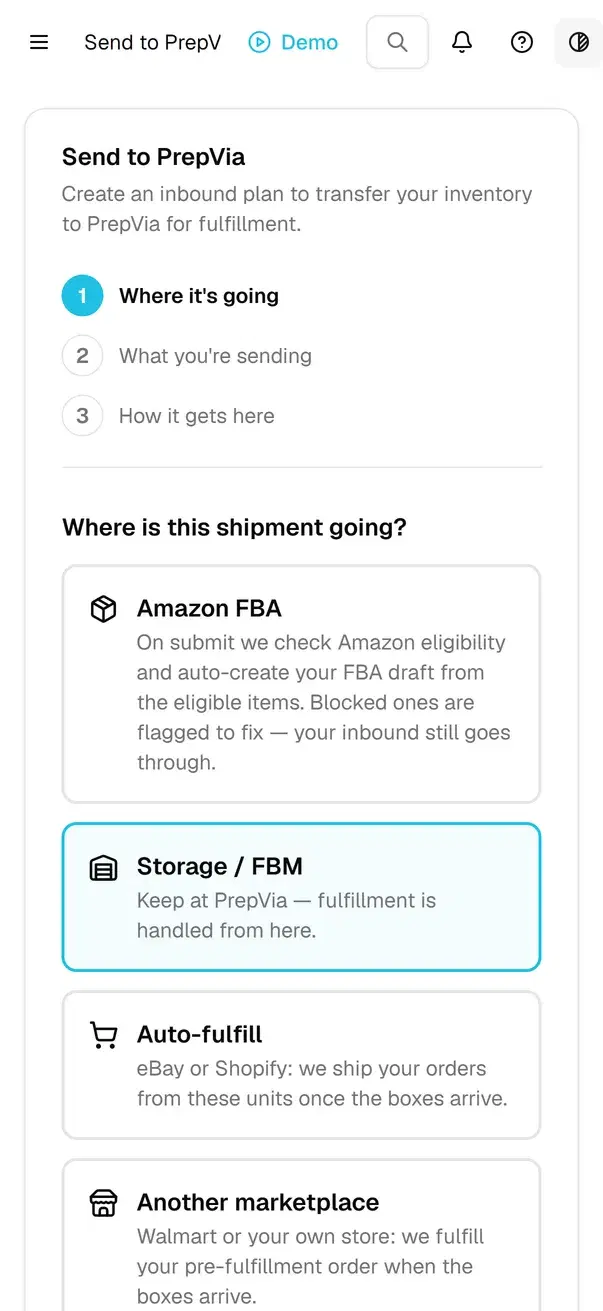
Send to PrepVia
The inbound plan for the stock you ship to Miami: where it goes (Amazon FBA, storage at PrepVia, your eBay or Shopify orders, or another marketplace), what you send and how it gets here.
Shipment tracking
Every shipment on its way to PrepVia, with its tracking and receiving progress, and expected against received per product.
Inventory
Your units on the shelf at PrepVia and your stock at Amazon, per product, with the prep requirements of each one.
Send to Amazon
Ask PrepVia to ship your stock to Amazon FBA, and follow each request until Amazon receives it.
Barcode search
Tap the camera button next to a search box and point it at a UPC or FNSKU barcode. The app reads the code on your phone and finds the product or the shipment.
The rest of the app
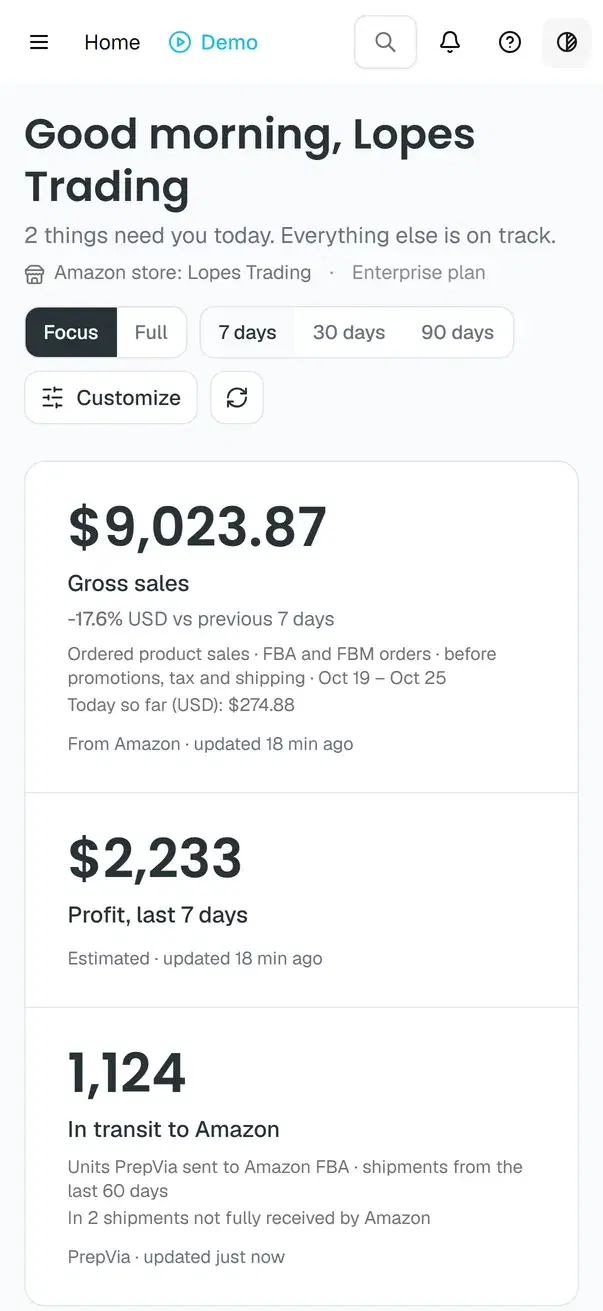
Orders, Billing and your support tickets, plus the tools that read your Amazon account, like Restock and Sales & profit, both marked Beta in the app.
One account on the phone and the computer
What you do on the phone shows on the computer, and the other way around. On a computer, use the app in the browser at www.app.prepvia.com, or install it from the Microsoft Store on Windows 10 and 11.

Every screen of the app, with a page for each one, is on the PrepVia app page.
Your data on the phone
- The camera opens only when you tap a scan button. The barcode is read on your phone, and only the code goes to PrepVia. The app doesn't store or send photos or video from the camera.
- Signing in to Amazon or Shopify opens in your phone's browser, and a short-lived marker brings you back to the app.
- The app loads no advertising or marketing tags, and it doesn't track you across other companies' apps or websites.
- You can delete your account in the app, at Account > Profile > Delete my account.
The details are in section 14 of the Privacy Policy. For help with the app, see PrepVia support.
Questions about the iPhone and iPad app
Is the PrepVia app on the App Store?
Do I need a PrepVia account?
How much does the app cost?
Does the app work on iPad?
Is it the same app as the PrepVia web app?
What does the app do with the camera?
Can I delete my account in the app?
New to PrepVia? Tell us your monthly units and we will quote your account.
Pricing is quoted per account on a free 15-minute call.